Testing and evaluating agents: how you know it is actually working
By Agentic Design
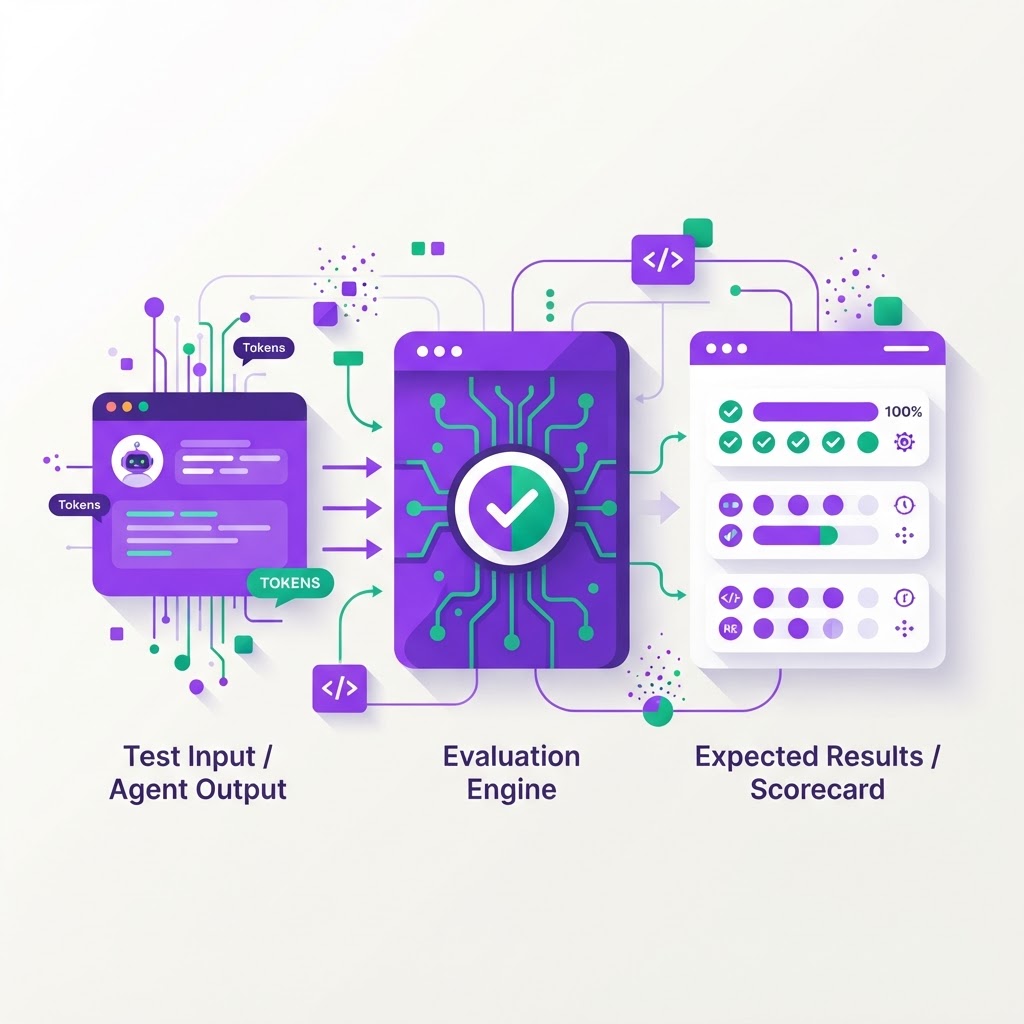
For many Australian business owners, the first interaction with an AI agent feels like magic. It summarises a customer email or pulls a report from your CRM in seconds, and it feels like the future has arrived. However, the difference between a novelty that works eighty percent of the time and a business tool that works every time is found in how you measure success. If you are building an agentic layer across your existing inventory, finance, and CRM systems, you cannot rely on intuition. You need a systematic approach to knowing if your agent is actually performing.
The power of the golden test set
To know if your agent is working, you first need to define what 'working' looks like. A golden test set is a curated list of 50 to 100 common tasks your agent is expected to handle, complete with the expected outcome. If your agent manages inventory, your test set should include scenarios like 'check stock levels for SKU 402,' 'reorder if below threshold,' and 'handle an error if the API connection to the ERP is down.'
By running these same tasks every time you update the agent’s logic, you create a baseline for reliability. If the agent fails a previously passed task, you have a regression. Without this fixed set of questions, you are essentially flying blind, guessing whether a new 'improvement' has actually broken three other workflows.
Accuracy versus usefulness
In agentic design, we often confuse accuracy with usefulness. An agent might be 100% accurate at writing a response, but if that response lacks the context of the user’s history in your accounting software, it is not useful. You need to distinguish between technical success and business utility.
- Does the agent pull data from the right source?
- Does it follow the specific process your team uses for approvals?
- Does it escalate the task to a human when it hits an edge case?
Accuracy is about the agent’s ability to parse data. Usefulness is about the agent’s ability to drive a business outcome. If an agent accurately extracts a figure from a spreadsheet but puts it into the wrong field in your CRM, the task has failed entirely. Evaluate the outcome of the entire chain, not just the individual step.
Regression checks and model updates
AI models change frequently. A model update from a provider might improve the agent's reasoning capabilities but inadvertently change how it formats phone numbers or interprets currency. This is why automated regression checks are non-negotiable for any Australian SME relying on agentic workflows.
When you introduce a change to your prompts or your tool integrations, run your golden test set immediately. If your agent is intended to interact with your ERP via an API, ensure that the API responses are mocked during testing so you are not triggering real orders or deleting live records. You want to verify that the logic holds up regardless of the model version underneath.
Sampling and human-in-the-loop review
Automated testing catches the clear failures, but human review catches the subtle ones. Every week, pull a random sample of five percent of the conversations or actions your agent has performed. Review these with your operations team to see if the 'tone' is right and if the actions taken align with your company policy.
- Review the latency of the agent's response time to ensure it isn't slowing down staff.
- Look for 'hallucinations' where the agent might have made an assumption that isn't supported by your internal documentation.
- Assess whether the agent is following the required security protocols when accessing sensitive financial spreadsheets.
This manual sampling acts as a safety net. It allows you to refine your instructions—what we call prompt engineering—based on the actual, messy, real-world requests your staff are throwing at the system.
Monitoring live performance
Once the agent is live, you need a simple dashboard to monitor its health. You do not need complex AI metrics; you need business metrics. Track the completion rate of tasks, the frequency of human interventions, and the time taken to complete a process.
If your agent is handling customer orders, track the 'Human Handover Rate.' If that rate spikes, your agent is likely failing at a specific stage of the workflow. You can then investigate that specific step, fix the prompt or the tool integration, and bring the rate back down. This is the difference between a static piece of software and an agentic platform that actually evolves with your business.
Where to start
Building an agentic layer is about stability and integration. You do not need to replace your ERP or CRM; you just need an intelligent bridge between them. Start your testing journey by following these three steps:
- Document the top 20 most frequent tasks your team performs across systems and turn these into your initial golden test set.
- Implement a 'human-in-the-loop' approval step for any agent action that involves writing data to your ERP or finance software.
- Set up a simple spreadsheet to track your weekly error rate, so you can measure improvement over time.