Legacy systems are not the blocker you think they are
By Agentic Design
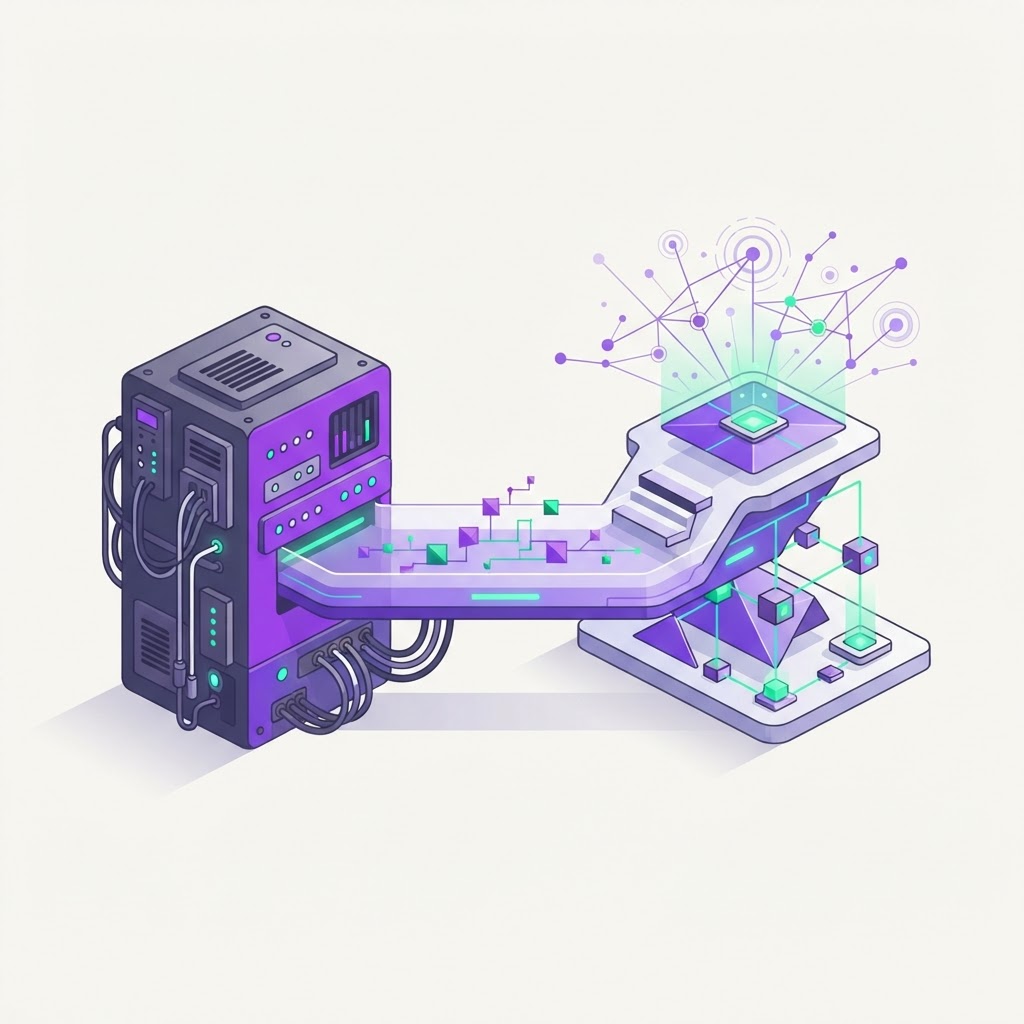
For many Australian SMEs, the core software they rely on is as much a burden as it is a benefit. You might be running an inventory system from 2008 or a CRM that hasn't seen an update since the rollout of the NBN. The common perception is that these 'legacy' systems are anchors dragging down innovation, forcing businesses to choose between high-risk, multi-year software migrations or stagnation. However, the reality is that your existing systems are rarely the insurmountable blockers they appear to be. By shifting your perspective from replacing these tools to wrapping them in an agentic layer, you can modernise your operations without the chaos of a full-scale replacement.
The reality of legacy systems
Most business owners view legacy systems as 'black boxes' that refuse to play nice with modern technology. They assume that if a system lacks a modern API or cloud-native architecture, it cannot participate in automated workflows. This belief often leads to manual data entry, double-handling, and the proliferation of 'shadow IT' where employees build fragile workarounds in Excel. But you don't need to rebuild your infrastructure to achieve modern performance.
An agentic platform operates independently of your legacy software's limitations. Think of it as a digital coordinator that sits above your existing stack. Instead of asking your old software to change, you provide the agent with a 'user' profile to interact with the system exactly as your employees do. This approach bypasses the need for costly custom connectors and long-term development projects.
Moving beyond APIs
When APIs aren't available, we look for data at the source. Most systems, no matter how old, possess some mechanism for data extraction. This might take the form of nightly CSV exports or database read-only access. By setting up a secure, scheduled sync, we can pull data into a centralised staging area where an agent can process it.
- Automated nightly report exports from your finance system into a secure cloud bucket.
- Read-only SQL view access to enable live querying without the risk of breaking core business records.
- Periodic web-scraping or data parsing of legacy invoices or shipping manifests.
Even with these basic building blocks, an agentic system can identify patterns, flag discrepancies, and trigger actions in other modern tools. If your CRM is cloud-based but your inventory tracker is on a local server, an agent can bridge the gap by reading the inventory data and updating the CRM client records in real-time.
Screen-level integration as a last resort
Sometimes, a system is so closed that it offers no exports and no database access. In these rare instances, we employ screen-level integration. This is the 'human-in-the-loop' equivalent where the agent navigates the user interface directly. While this is less efficient than an API, it is often more than enough to handle high-volume, low-complexity tasks.
This method allows an agent to log in, click through specific menus, and extract information exactly as a clerk would. Because this is done programmatically, it happens faster and without human error. It is essentially giving your old system a pair of robotic hands. We treat this as a last resort because it is sensitive to UI changes, but it is a powerful tool to bridge a gap while you plan a longer-term migration for that specific module.
The case for staged modernisation
Replacing a core ERP system is a recipe for operational failure. The risk of data loss, staff pushback, and hidden costs is enormous. Our approach favours a staged modernisation strategy where you keep what works and layer intelligence over the gaps. You get the benefits of modern automation without the danger of an all-or-nothing implementation.
- Identify the most repetitive manual task currently hampered by your legacy software.
- Deploy an agentic layer to automate just that specific process within a 2-4 week window.
- Measure the time saved and use that budget to progressively replace individual legacy modules over the next two years.
This approach turns your legacy system into a temporary component rather than an eternal blocker. By isolating the most inefficient parts of your workflow, you create quick wins that demonstrate ROI to your team and stakeholders. The legacy system stays in place until it is no longer useful, not because you were forced to switch it off.
Where to start
Modernising doesn't require a whiteboard session or a six-figure budget. It requires a clear view of where your data is and how your people are moving it.
- Audit your manual data transfers: Document every time an employee copies data from one system to another, such as updating customer addresses or syncing stock levels. This is your primary list of automation candidates.
- Locate your data silos: Identify which of your current systems offer even basic read-only access or export functionality. Even an Excel file dumped into a shared folder is a starting point for an agent.
- Focus on a single high-impact workflow: Select one task that currently takes hours each week and build an agent to handle it. By focusing on a single, isolated process, you can prove the concept in weeks, not months.