From pilot to production: making an agent part of how you operate
By Agentic Design
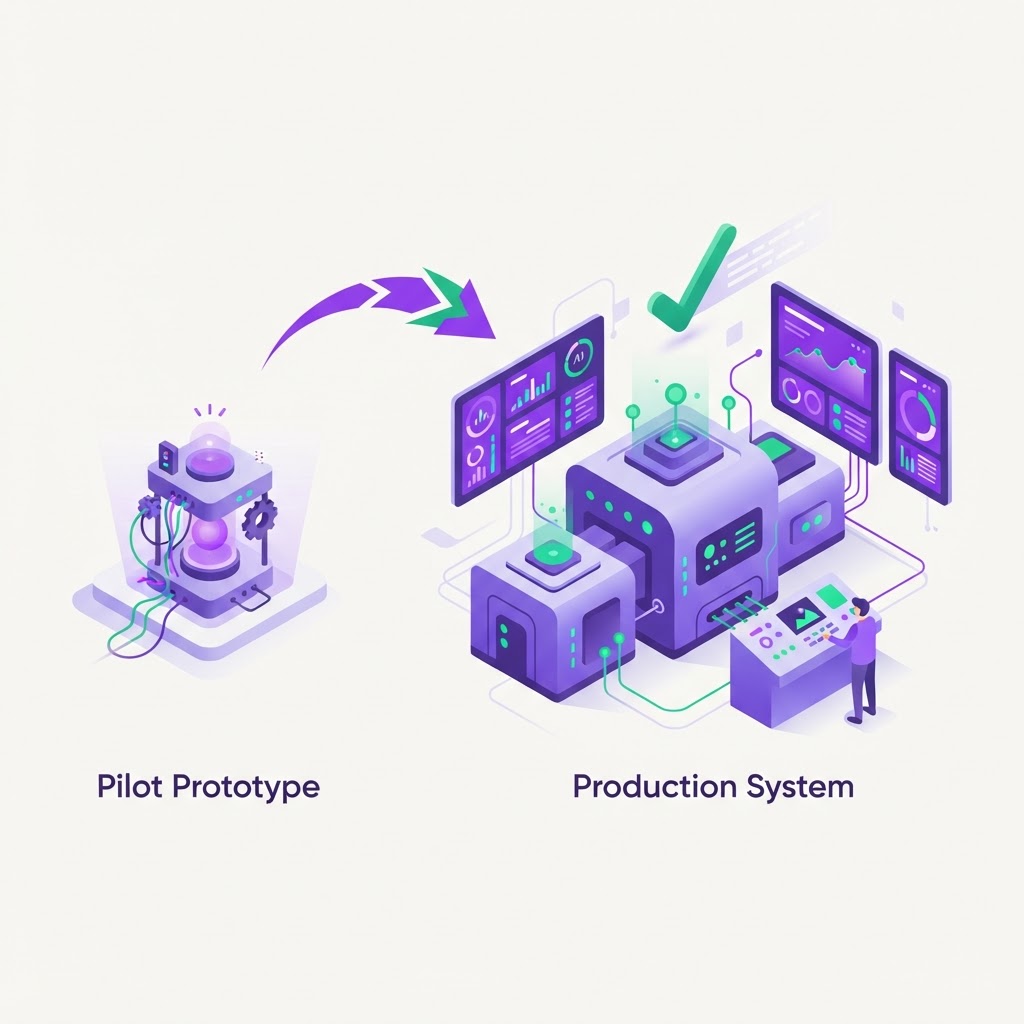
A successful pilot is a major milestone for any Australian SME. It proves that an AI agent can read your inventory data, cross-reference it with your CRM, and automate a workflow that previously took hours of manual input. However, the shift from a controlled experiment to a live production environment is where the real value is unlocked. This transition is not about more code, but about shifting your mindset from testing a tool to managing a digital team member.
Moving beyond the sandbox
In a pilot phase, you might have tolerated occasional latency or a manual restart if a process hung. In production, your agent needs to be treated as a mission-critical utility, similar to your cloud accounting software or your internet connection. It must exist as a persistent layer that orchestrates your existing systems like Xero, Shopify, or Salesforce without requiring you to replace your current tech stack. This layer communicates via APIs, ensuring that your data stays secure and your workflows remain consistent across departments.
Establishing clear ownership
One of the biggest pitfalls we see is the assumption that an agent manages itself. Even the most sophisticated agent needs a human operator—someone who acts as the primary stakeholder. This person does not need to be a developer, but they must be accountable for the agent’s outcomes. If the agent is processing customer orders, who is the final point of escalation when an edge case arises? Assigning clear responsibility ensures that the agent serves your operations rather than creating new ones.
Designing for error handling
Real-world processes are messy, and your agent will encounter data it doesn't recognise or a system that goes offline for maintenance. A production-ready agent must have robust error handling protocols that notify your team immediately when something deviates from the norm. Instead of failing silently, the agent should flag the issue, provide the context of where the error occurred, and offer a path for a human to intervene. You need to build a 'human-in-the-loop' mechanism for those 5% of tasks that fall outside the agent’s standard logic.
- Implement automated alerts that trigger via Slack or email when a transaction fails.
- Create a 'pause and review' button for high-value financial tasks exceeding a specific dollar amount.
- Maintain an audit log that records every API request and response for later review.
Practical monitoring and success criteria
To measure success, move away from vague concepts like 'efficiency' and start measuring concrete operational metrics. If your agent is automating invoice processing, your success metric is the reduction in time-to-pay and the decrease in manual data entry errors. Monitor these metrics weekly during the first month of production to ensure the agent is performing within the expected parameters. By tracking these numbers, you can determine if the agent is providing a tangible return on investment rather than just looking good on a dashboard.
Managing change within your team
Introducing an agent changes how your employees work, and that can trigger uncertainty. Successful adoption depends on transparent change management that focuses on the 'why' rather than just the 'how'. Frame the agent as a tool that handles repetitive, low-value grunt work, allowing your staff to focus on higher-level problem solving and customer relationships. When your team sees that the agent handles the tedious data entry, they are much more likely to become its biggest advocates.
- Run a workshop to explain the agent’s scope and boundaries.
- Identify a 'champion' within each department to help others troubleshoot minor issues.
- Celebrate the time saved, demonstrating the value by showing what the team achieved with their reclaimed hours.
The reality of continuous training
Just as you would train a new hire, your agent requires ongoing calibration as your business processes evolve. If you update your internal stock management policy or change your customer communication template, the agent needs to be updated to match. This is not a 'set and forget' project, but an iterative process of refinement. Because our platform acts as an agentic layer across your existing software, updating a workflow often takes only a few hours of configuration rather than weeks of development.
Where to start
If you are ready to move from pilot to production, follow these three steps to ensure your foundation is solid. First, define the 'break-glass' protocol: document exactly what should happen when the agent encounters an unknown variable, including who receives the alert and how they fix it. Second, audit your current API connections to ensure that your agent has clean, consistent access to the data sources it needs to function reliably. Finally, set a 30-day review period where you compare the agent’s output against manual benchmarks to ensure you are meeting your internal quality standards before scaling the workload.